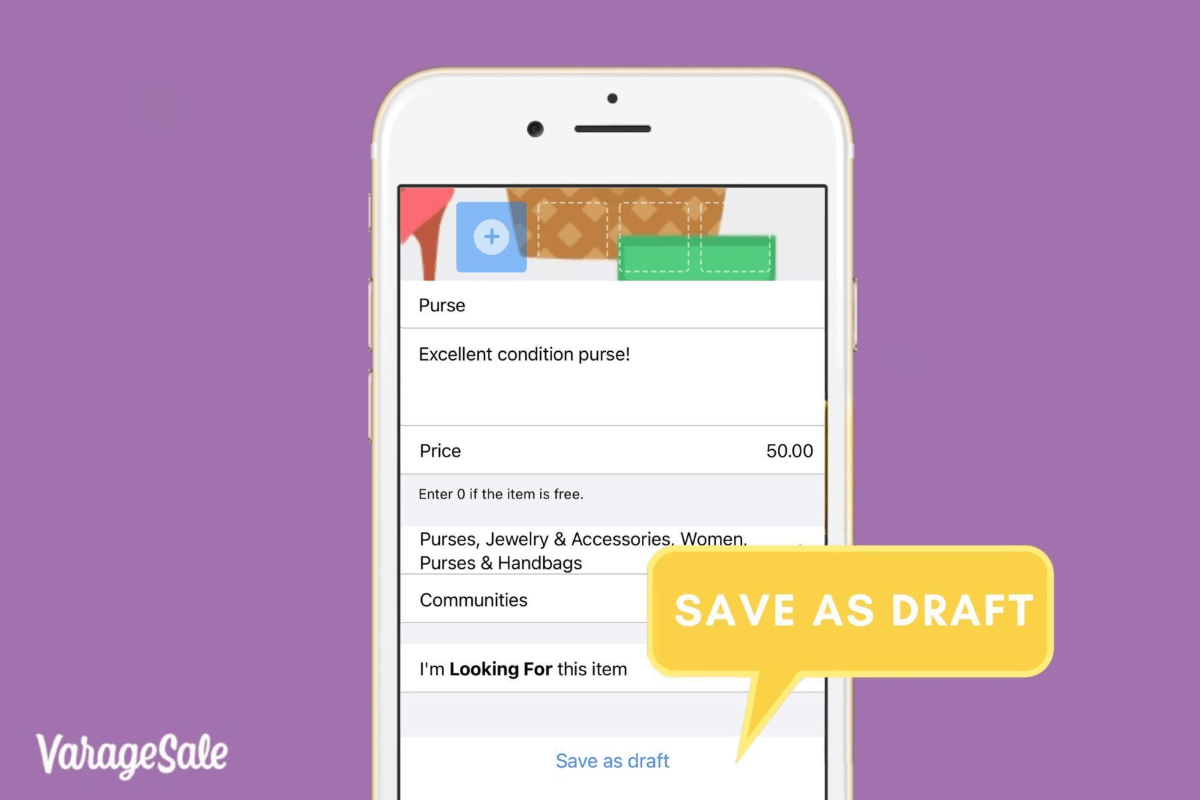
In the world of online buying and selling, we know that every second counts. Whether you’re tidying up your home or on the lookout for great deals, it’s important to make the most of your time. This is why we’re introducing our new ‘Save as a Draft’ feature for app users!
Creating a great listing means attention to detail. Whether you’re fine-tuning the description, taking the perfect photo, or researching the best price, you now have the freedom to perfect your listing before it’s published.
Here’s how you can save a draft:
1.Select POST button and begin creating your post
2.You may select to publish your post right away or select ‘Save as Draft’

3.You can return to your draft by clicking on the POST button. A prompt will appear for you to create a new ad or continue with your draft
Whether you’re a seasoned seller or a first-timer, you can save and resume your work at any time. It’s that simple. For more detailed information on this feature, please visit our Knowledge Base guide.
At VarageSale, we’re improving the way you buy and sell.
Happy listing!
The VarageSale Team ❤


